自行安装部署docker,本应用依赖docker部署,但不直接提供docker部署教程,请参考菜鸟教程的docker部署来进行安装。
参考资料:https://www.runoob.com/docker/debian-docker-install.html
应用提供两种部署模式:SQLite和MySQL模式,两种模式二选一。
有能力自行部署MySQL的,可使用MySQL模式,默认为SQLite模式。
数据持久化在 /data 卷中,请做好数据映射及备份,以防数据丢失。
docker run -d \
  --name fortuneboot \
  -p 8080:8080 \
  -v fortuneboot-data:/data \
  shuaichi/fortuneboot:latest
或者使用docker-compose启动容器(和docker run模式二选一)
services:
    fortuneboot:
        image: 'shuaichi/fortuneboot:latest'
        volumes:
            - 'fortuneboot-data:/data'
        ports:
            - '8080:8080'
container_name: fortuneboot先创建数据库:
CREATE DATABASE IF NOT EXISTS fortune_boot CHARACTER SET utf8mb4 COLLATE utf8mb4_unicode_ci;然后启动docker容器
docker run -d \
  --name fortuneboot \
  -p 8080:8080 \                  # 端口不要有冲突
  -e DB_TYPE=mysql \              # MySQL模式固定值,不要修改
  -e DB_HOST=your-mysql-host \    # 替换为你的MySQL域名/IP
  -e DB_PORT=3306 \               # 替换为你的MySQL端口
  -e DB_NAME=fortune_boot \       # 替换为上条命令创建的数据库名称
  -e DB_USERNAME=root \           # 替换为你的MySQL帐号
  -e DB_PASSWORD=your_password \  # 替换为你的MySQL密码
  shuaichi/fortuneboot:latest
或者使用docker-compose启动容器(和docker run模式二选一)
services:
    fortuneboot:
        image: 'shuaichi/fortuneboot:latest'
        environment:
            - DB_TYPE=mysql              # MySQL模式固定值,不要修改
            - DB_HOST=your-mysql-host    # 替换为你的MySQL域名/IP
            - DB_PORT=3306               # 替换为你的MySQL端口
            - DB_NAME=fortune_boot       # 替换为上条命令创建的数据库名称
            - DB_USERNAME=root           # 替换为你的MySQL帐号
            - DB_PASSWORD=your_password  # 替换为你的MySQL密码
        ports:
            - '8080:8080'                # 端口不要有冲突
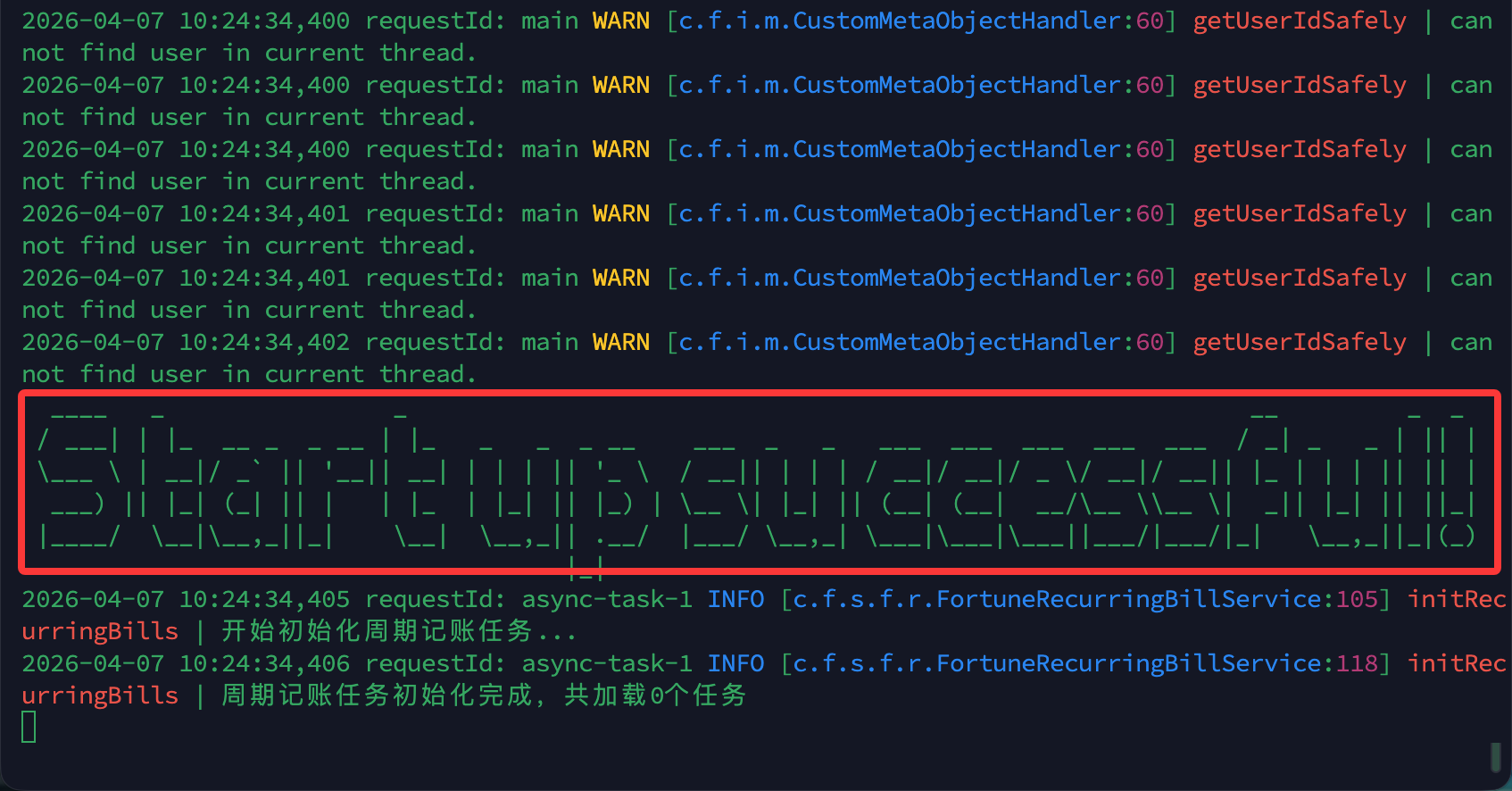
container_name: fortuneboot使用如下命令查看日志:docker logs -f fortuneboot
当现实如下图所示:Start up successful!时,表示应用部署完成。
打开一个浏览器新标签 -> 输入 http://服务器ip:8080即可访问好记web端。
默认超级管理员帐号:admin
默认超级管理员密码:admin123
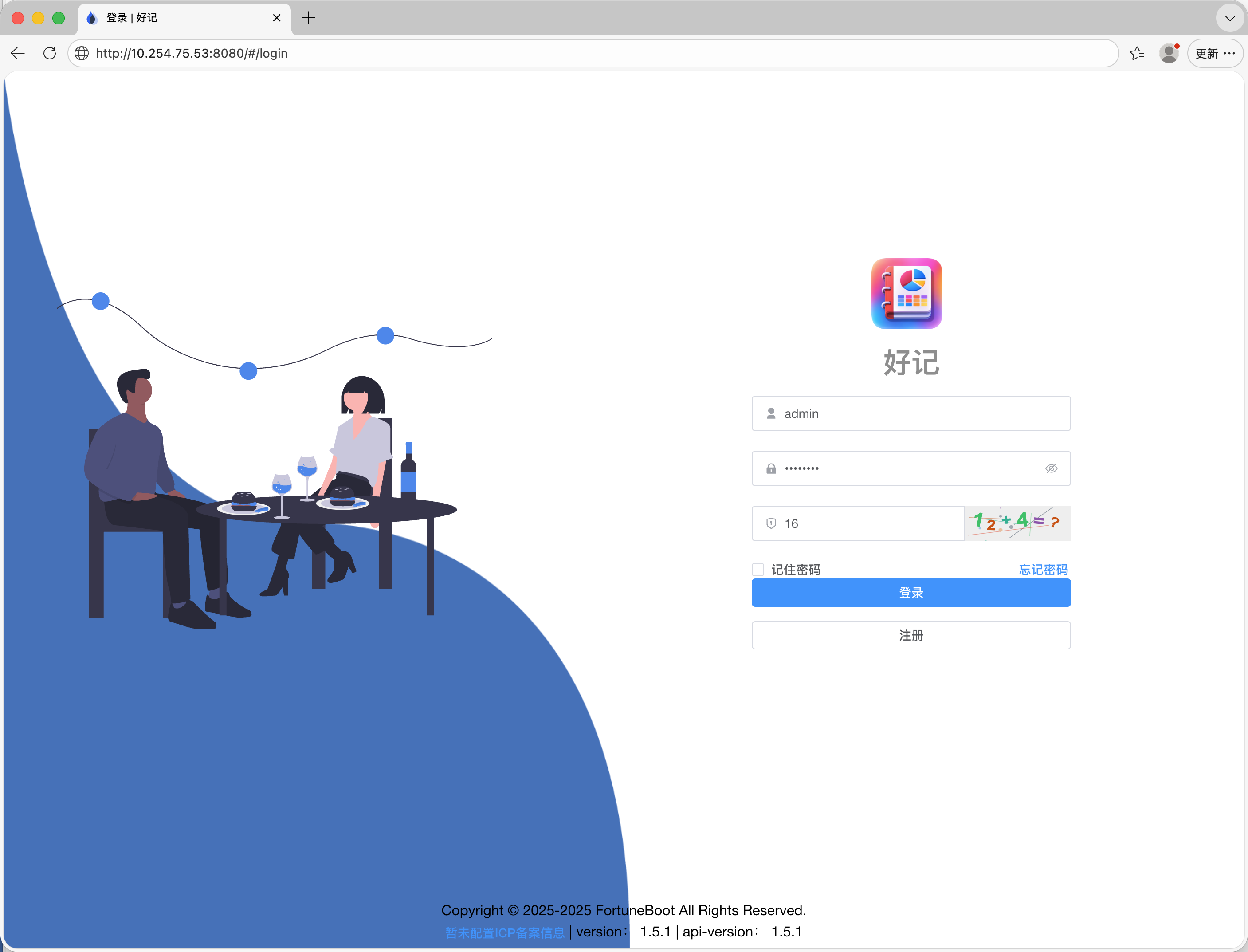
点击登录,即可愉快的使用了。
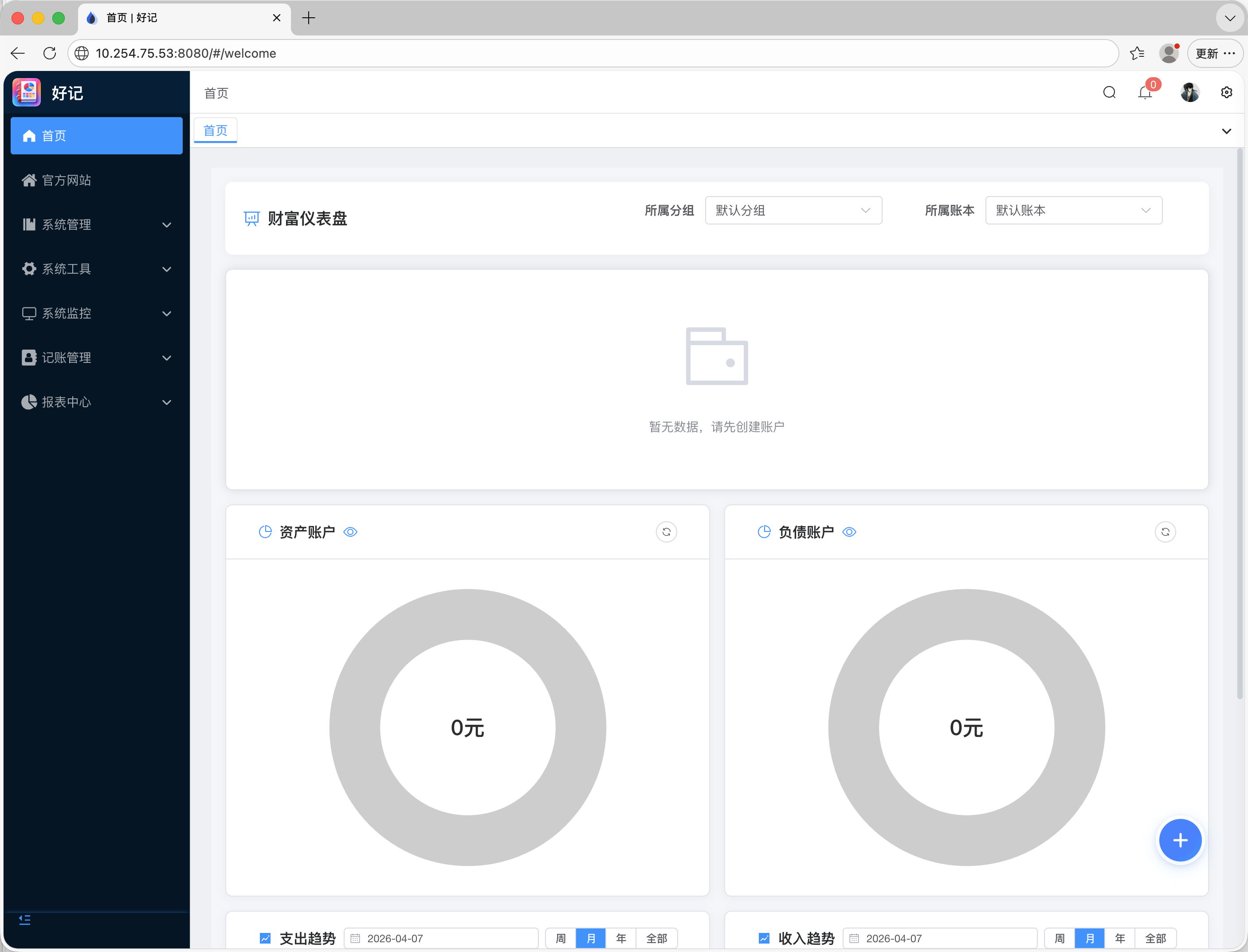
进入如下网址下载安卓、鸿蒙或IOS的APP,即可愉快的使用了。
https://www.fortuneboot.com/archives/hao-ji-appxia-zai加QQ群:1009576058,在群中反馈问题,我们会尽快处理。